LCD daugiau nei 26 colių
-
Vaizdo ir garso technika
- Televizoriai
- Skaitmeniniai foto rėmeliai
- Laikikliai ir kiti televizorių priedai
- Automobilinė įranga
- Projektoriai ir ekranai
- Plokštelių grotuvai (turntables)
- Namų kinai
- Muzikiniai centrai
- Diktofonai
- Garso sistemos
- Imtuvai-stiprintuvai
- Kompiuterinio tinklo garso sistemos
- DVD ir Blu-Ray vaizdo grotuvai
- Multimedija
- Radijo imtuvai
- Radijo žadintuvai
- Nešiojami grotuvai
- Kolonėlės
- Bluetooth kolonėlės
- MP3 grotuvai
- iPod/iPhone sistemos
- Ausinės
- Mikrofonai
- Kitos vaizdo-garso prekės
- Jūrinė audio technika
-
Telefonai, telekomunikacijos
-
Mobilūs telefonai ir jų priedai
- Mobilūs telefonai
- Nešiojami įkrovikliai (power bank)
- Mobilių telefonų krovikliai
- Mobilių telefonų baterijos
- Mobilių telefonų dėklai
- Mobilių telefonų ekrano plėvelės
- Laisvų rankų įranga, Bluetooth ausinės
- Ausinės mobiliems telefonams
- Mobilių telefonų kabeliai ir adapteriai
- Mobilių telef. laikikliai, asmenukių lazdos
- Audio, video priedai mobiliems
- Mobilių telefonų priedai kiti
- Belaidžiai telefonai
- Staliniai telefonai su SIM kortele
- Laidiniai telefonai
- IP telefonai
- Vietinio ryšio stotelės
- PMR ir jūrinio ryšio stotelės (racijos)
- CB radijo stotelės ir priedai
- Laidinių telefonų priedai
- Faksai
- Faksų priedai
-
Mobilūs telefonai ir jų priedai
-
Smulki buitinė technika
-
Virtuvei
- Virduliai
- Mikrobangų orkaitės
- Įmontuojamos mikrobangų krosnelės
- Elektrinės krosnelės
- Kaitlentės
- Halogeninės-cikloninės krosnelės
- Multifunkciniai puodai
- Sumuštinių ir vaflių keptuvės
- Spurgų ir keksiukų keptuvai
- Skrudintuvai ir tosteriai
- Tosteriai
- Elektriniai griliai
- Picų keptuvai
- Garų puodai
- Duonkepės
- Gruzdintuvės (fritiūrinės)
- Blyninės
- Vaisių-grybų džiovyklės
- Popcorn ruošimo aparatai
- Kiti virimo-kepimo prietaisai
- Kavos virimo aparatai
- Kapsuliniai kavos aparatai
- Kavos aparatų priedai
- Kavamalės
- Pieno šildytuvai ir putų plaktuvai
- Kava
- Virtuviniai kombainai
- Smulkintuvai
- Plaktuvai
- Kokteilinės
- Mėsmalės
- Bulvių tarkavimo mašinos
- Bulvių skutimo mašinos
- Sulčiaspaudės
- Pjaustyklės
- Vakumatoriai ir jų priedai
- Virtuvinės svarstyklės
- Ledų gaminimo aparatai
- Ledo kubelių gaminimo aparatai
- Kita virtuvinė technika
- Termosai
- Keptuvės
- Puodai
- Peiliai virtuviniai
- Kiaušinų viryklės
- Kitos prekės virtuvei
- Grožiui
- Rūbų priežiūrai
- Klimato kontrolei
- Sveikatai
- Valymui
- Automobiliui, turizmui, pramogoms
- Žaislai ir prekės vaikų priežiūrai
- Kitos prekės
-
Virtuvei
- Stambi buitinė technika
-
Foto ir video technika
- Vaizdo kameros
- Veiksmo kameros
- Skaitmeniniai fotoaparatai
- Priedai ir aksesuarai
- Žiūronai
-
Kompiuteriai, jų priedai ir kt. išmanūs įrenginiai
-
Kompiuteriai
-
Nešiojami kompiuteriai
- Ultrabook
- Consumer
- Business
- Mobile workstations
- ASUSPRO Commercial
- Asus Versatile Performance
- Asus Portability
- Dell Inspiron
- Dell Vostro
- Dell Latitude
- Dell XPS Series
- Dell Alienware
- Dell Precision
- Lenovo IdeaPad
- Lenovo ThinkPad TopSeller
- Acer Aspire
- Apple MacBook Air
- Apple MacBook Pro
- Apple MacBook
- Lenovo Essential
- Lenovo Essential TopSeller
- Toshiba Satellite
- Atnaujinti kompiuteriai
- Lenovo ThinkPad
- Sony
- Dell XPS
- Kiti nešiojami kompiuteriai
- Dell G5
- Dell G3
- Tablets
- Planšetiniai kompiuteriai (tablets)
- Nešiojamų kompiuterių priedai
-
Stacionarūs kompiuteriai
- Consumer desktops
- Business desktops
- All in one desktop (AIO)
- Apple MAC mini
- Apple iMAC
- Dell Optiplex
- Dell Studio XPS
- Dell Vostro
- DELL XPS One
- Dell Precision
- Dell Alienware
- ASUSPRO Commercial
- Dell Inspiron
- Lenovo ThinkCentre Topseller
- Lenovo IdeaCentre
- Acer Aspire
- Atnaujinti kompiuteriai (refurbished)
- Lenovo ThinkCentre
- Asus Vivo PC
- Lenovo ThinkStation
- Lenovo ThinkStation Topseller
- Tikliniai kompiuteriai
- UPS (Uninterruptible power supply)
- Stacionarių kompiuterių priedai
-
Nešiojami kompiuteriai
- E-knygos
-
Išoriniai įrenginiai
-
Monitoriai
- LCD daugiau nei 26 colių
- LCD 25 inch
- LCD 24 inch
- LCD 23 inch
- LCD 22 inch
- LCD 21 inch
- LCD 20 inch
- LCD 19 inch
- LCD mažiau už 19 colių
- Monitoriai žaidimams (Gaming monitors)
- MultiFunction Monitors
- Touch Screen Monitors
- 4K monitoriai
- Signage monitors
- Monitorių aksesuarai (Accessories)
- Informaciniai monitoriai
- Nešiojami monitoriai (Portable Monitors)
- Daugiafunkciniai spausdintuvai
- Spausdintuvai
- Skeneriai (scanners)
- Kompiuterinės ir saugos kameros
- Pelės
- Microsoft Hardware
- Kilimėliai
- Klaviatūros
- Ausinės / mikrofonai
- Skaitmeniniai pieštukai
- Kompiuterinės kolonėlės
- Žaidimų įrenginiai
- TV imtuvai
- Garso plokštės
- Skirstytuvai
- Ugniasienės
- Belaidžio tinko įrenginiai
- Kiti išoriniai įrenginiai
-
Monitoriai
- Išoriniai duomenų saugojimo įrenginiai
- Dronai ir jų priedai
-
Aksesuarai
- NB baterijos
-
NB maitinimo šaltiniai
- NB maitinimo šaltinis ACER
- NB maitinimo šaltinis APPLE
- NB maitinimo šaltinis APPLE
- NB maitinimo šaltinis DELL
- NB maitinimo šaltinis HP/COMPAQ
- NB maitinimo šaltinis HUAWEI
- NB maitinimo šaltinis IBM/LENOVO
- NB maitinimo šaltinis MICROSOFT
- NB maitinimo šaltinis MOTOROLA
- NB maitinimo šaltinis SAMSUNG
- NB maitinimo šaltinis SONY
- NB maitinimo šaltinis TOSHIBA
- NB maitinimo šaltinis UNIVERSALUS
- Įtampos keitikliai
- Kabeliai ir jungiamieji laidai
- HDD korpusai (HDD cases)
- Adapteriai
- NB Krepšiai
-
NB priedai
- NB kortelės
- Kiti priedai
- NB spynos (NB Locks)
- NB Docking stations
- NB Automobilniniai pakrovėjai (NB Car Chargers)
- Nešiojamų kompiuterių atmintys
- Nešiojamų kompiuterių išoriniai įrenginiai
- Nešiojamų kompiuterių kietieji diskai
- Nešiojamų kompiuterių optiniai įrenginiai (ODD)
- Nešiojamų kompiuterių procesoriai (NB CPU)
- Nešiojamų kompiuterių aušintuvai (NB coolers)
- Korpusų priedai
- Media priedai
- Išorinių duomenų saugyklų priedai
- Spausdintuvų priedai
- Planšečių priedai, dėklai
- Šviestuvai
- Stacionarių kompiuterių priedai
- PDA aksesuarai
- Multifunkciniai aksesuarai
- Išmanūs namai (Smart house)
- Išmanūs įrenginiai ir priedai
- Priedai
- Laikmenos
- Žaidimų konsolės
- Serveriai ir komponentai
- Kompiuterinio tinklo elementai
-
PC komponentai
- Pagrindinės plokštės (mainboards)
- Papildomos plokštės
- Procesoriai, CPU
- Vaizdo plokštės
- Garso plokštės
- VGA vaizdo plokštės (Graphic cards)
- Kietieji diskai, HDD
- Vidiniai Blu-ray įrenginiai
- ODD/FDD
- Maitinimo šaltiniai (PSU)
- Opreatyvinės atmintys (RAM)
- Procesorių aušintuvai-radiatoriai (CPU coolers)
- Korpusai (cases)
- Programinė įranga (softwatre)
-
Kompiuteriai
-
Laikrodžiai ir aksesuarai
- Išmanieji ir sportiniai laikrodžiai
- Rankiniai laikrodžiai (watches)
- Chronometrai
- Laikrodžių dirželiai ir apyrankės
- Interjero laikrodžiai
- Peiliai
- Laikrodžiai narams
- F-1 laikrodžiai
- Šachmatininkams
- Sportininkams
- Kontroliuojami radijo bangomis
- Žiebtuvėliai
- Grandinėlės
- Apyrankės
- Pakabukai
- Žadintuvai
- Sąsagos
- Auskarai
- Auskarai
- Moteriški
- Rašikliai
- Laikrodžių dalys
- Vyriški
- Laikrodžių užvedėjai
- Verslo dovanos
- Elektriniai šviečiantys laikrodžiai
- Išmanieji laikrodžiai
- Alpinistams
- Papuošalai
- Laikrodžių stikliukai
- Termometrai
- Visos prekės
- Engelsrufer
- Universalūs
- Mechanizmai
- Sveikatingumo prekės
- Aksesuarai
- Dėžutės laikrodžiams saugoti ir užvesti
- Vyriški laikrodžiai
- Išmaniųjų laikrodžių įkrovikliai
- Golfas
- Lauko tenisas
- Piklbolas
- Padelis
- Baterijos
- Sieniniai laikrodžiai
- Oro pagalvėlių pūtimo aparatai
- Biuro technika
-
Įrankiai
-
Namų apyvokos, statybos įrankiai
- Gręžtuvai ir suktuvai
- Kampiniai šlifuokliai
- Diskiniai pjūklai
- Siaurapjūkliai
- Smūginiai gręžtuvai
- Tiesiniai pjūklai
- Šlifuokliai
- Akumuliatoriniai smūginiai raktai
- Daugiafunkciniai įrankiai
- Frezos
- Elektriniai obliai
- Elektriniai galąstuvai
- Vandens siurbliai
- Termovizoriai
- Kompresoriai
- Klijavimo įrankiai
- Statybiniai fenai
- Statybiniai siurbliai
- Lazeriniai matuokliai
- Peiliai
- Žirklės
- Kiti įrankiai
-
Įrankiai sode, gamtoje
- Robotai, akumuliatorinės žoliapjovės
- Elektrinės žoliapjovės
- Krūmapjovės
- Elektrinės gyvatvorių žirklės
- Elektriniai grandininiai pjūklai
- Akumuliatoriai grandininiai pjūklai
- Siurbliai sodui
- Pjovikliai, sekatoriai
- Aukšto slėgio plovyklos
- Kirviai
- Kastuvai
- Peiliai
- Šakės
- Grėbliai
- Šepečiai
- Įrankių priežiūros priemonės
- Kiti sodo įrankiai
- Akumuliatoriai ir pakrovėjai įrankiams
-
Namų apyvokos, statybos įrankiai
- Kitos prekės
Peržiūrėta
-

AOC G4 C27G4ZXE...
(0 Reviews) -

Xiaomi | Mini LED...
(0 Reviews)
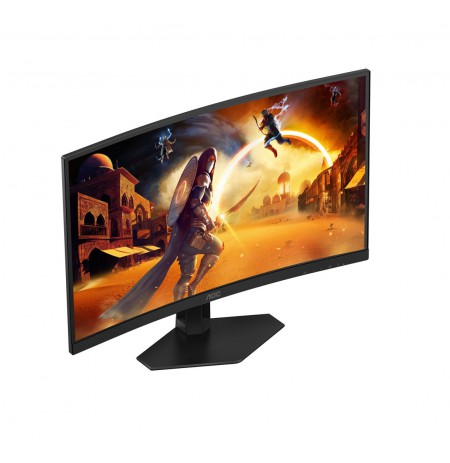
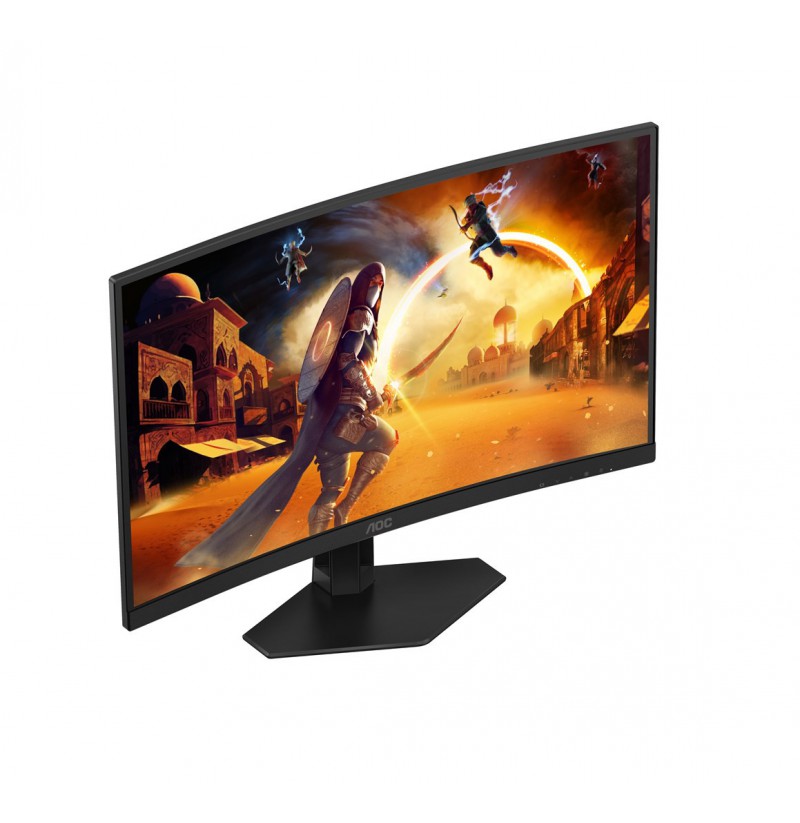
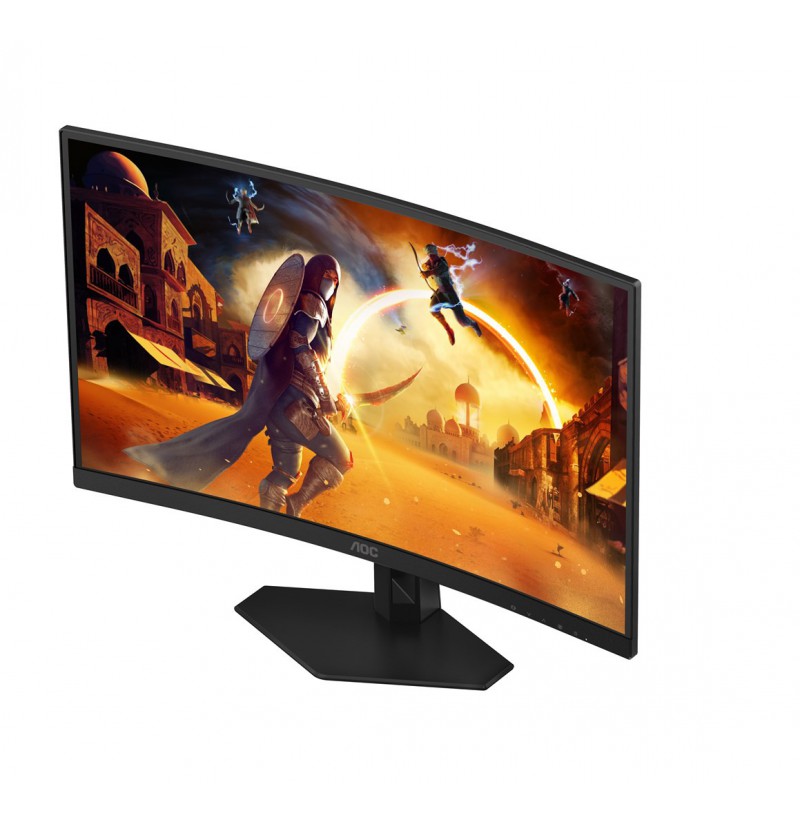
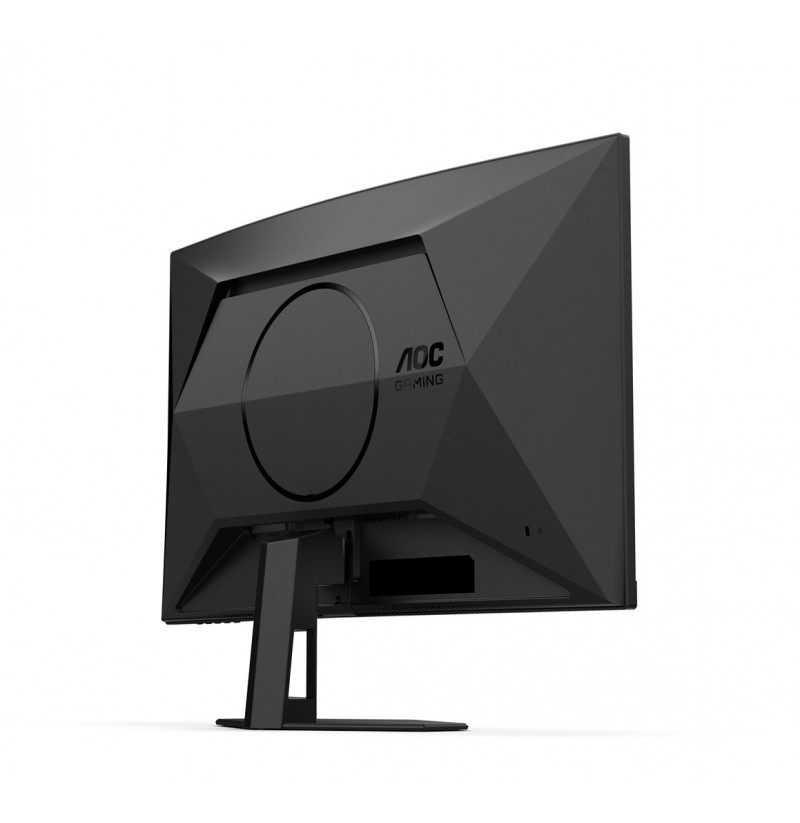
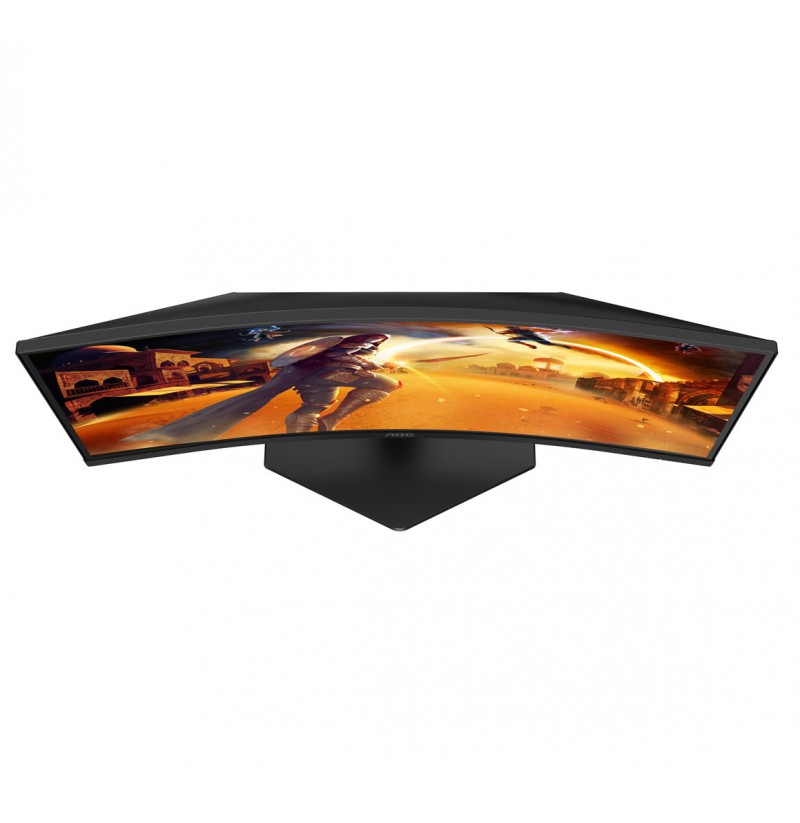
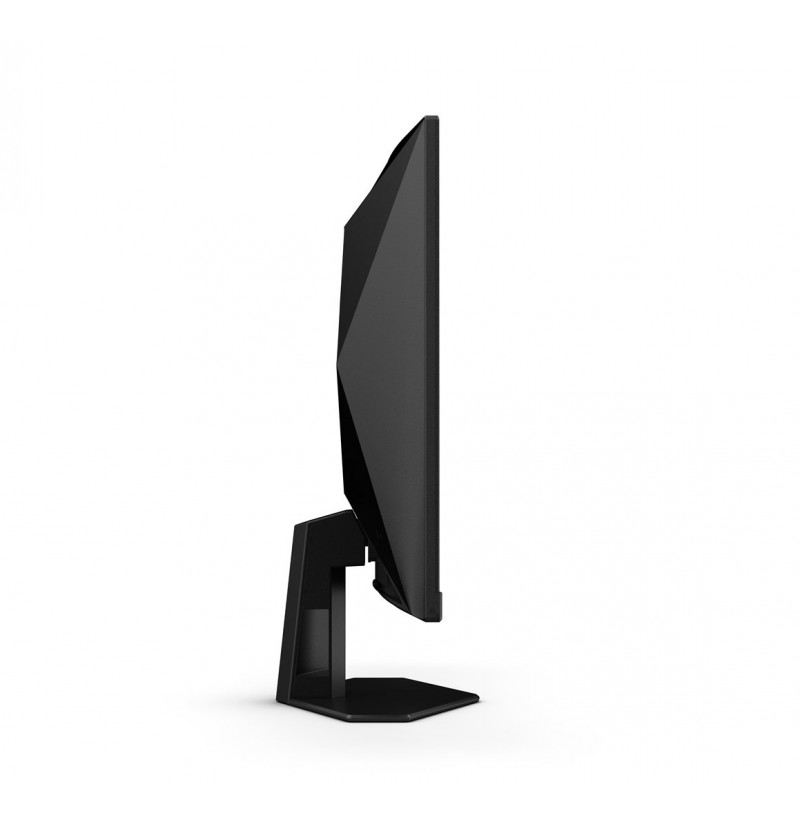
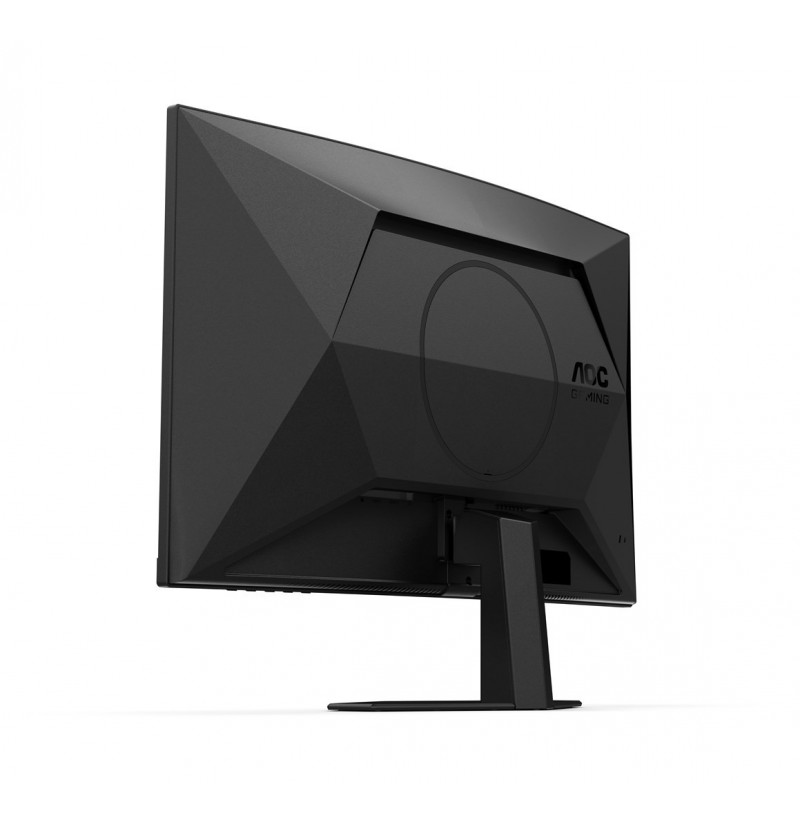
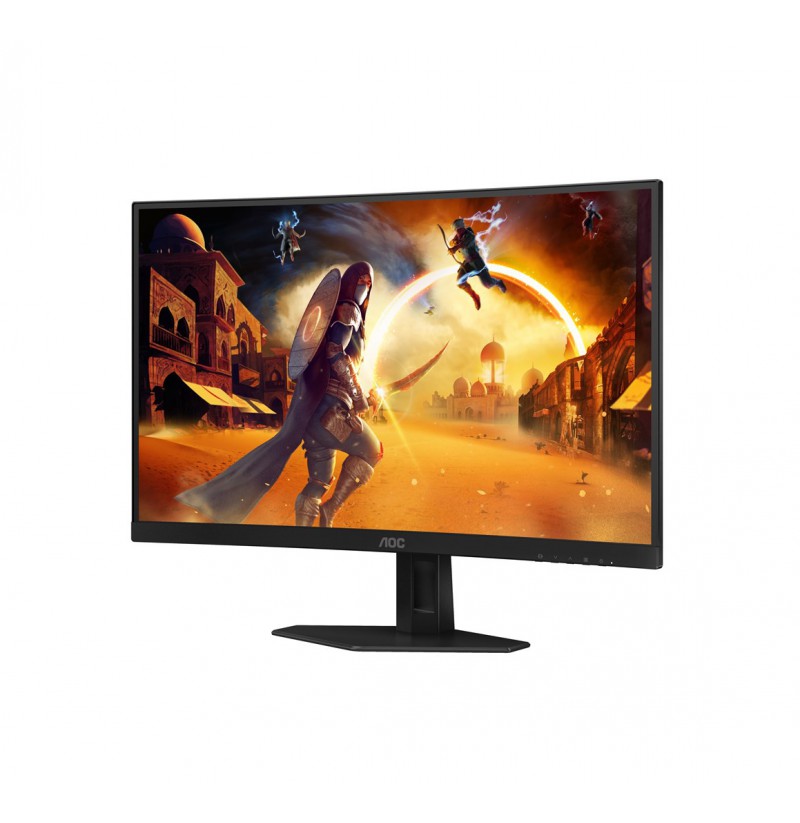
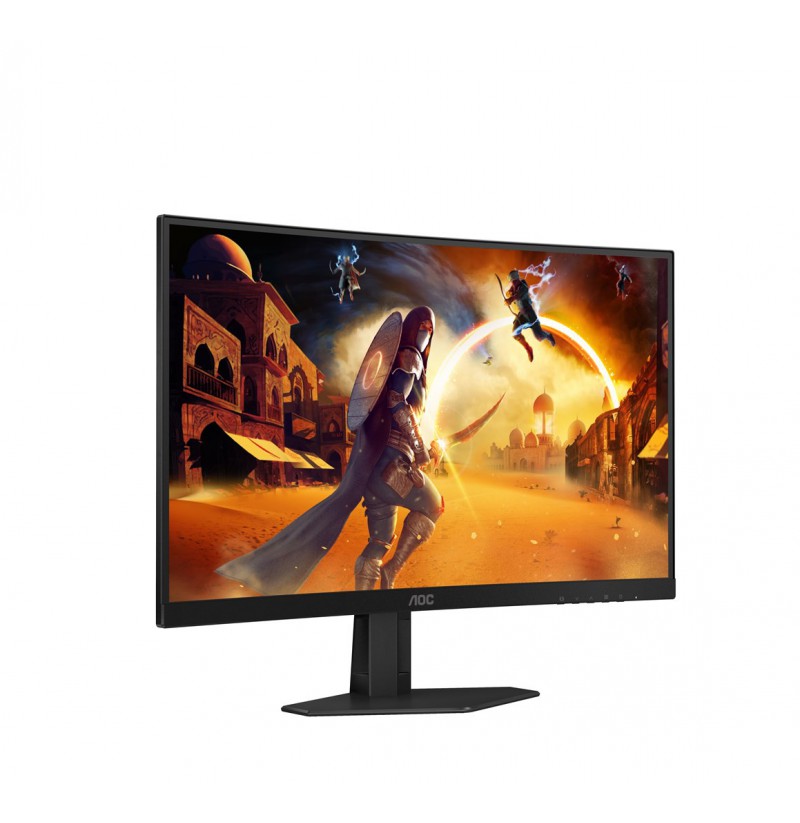
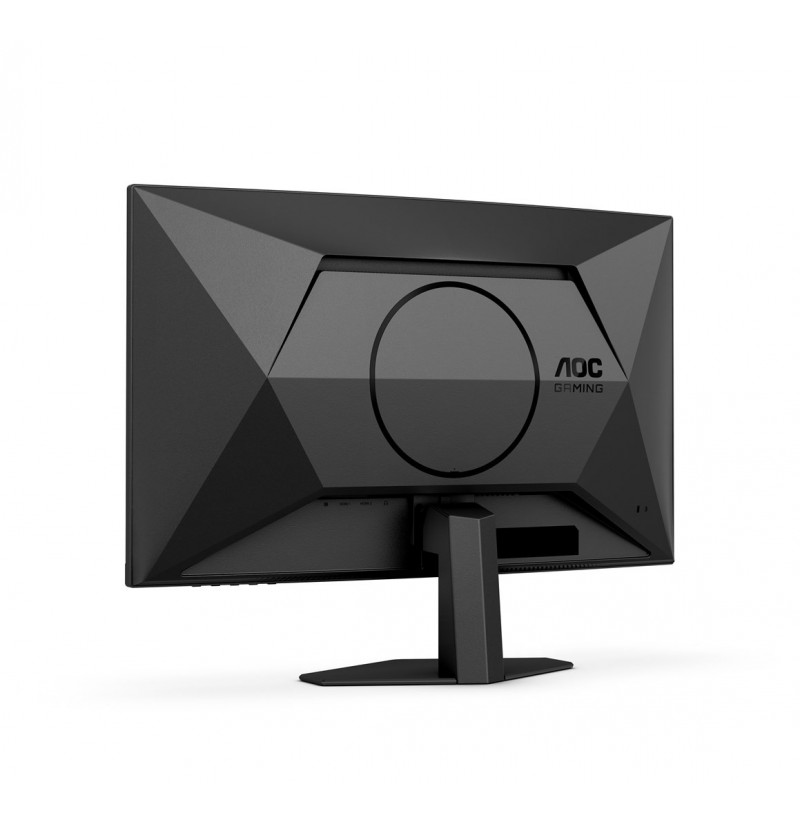
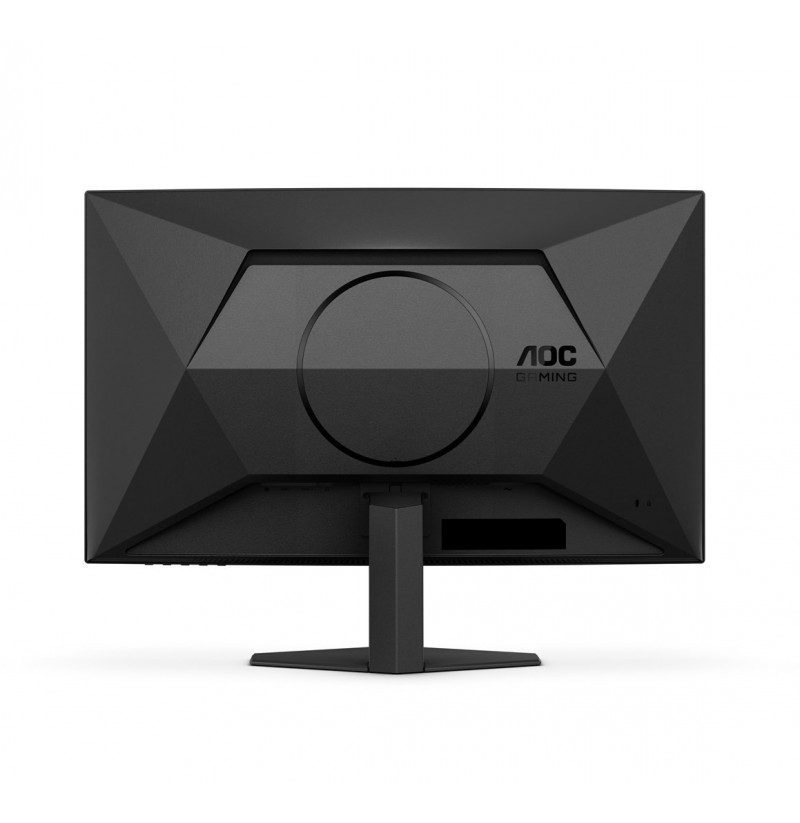
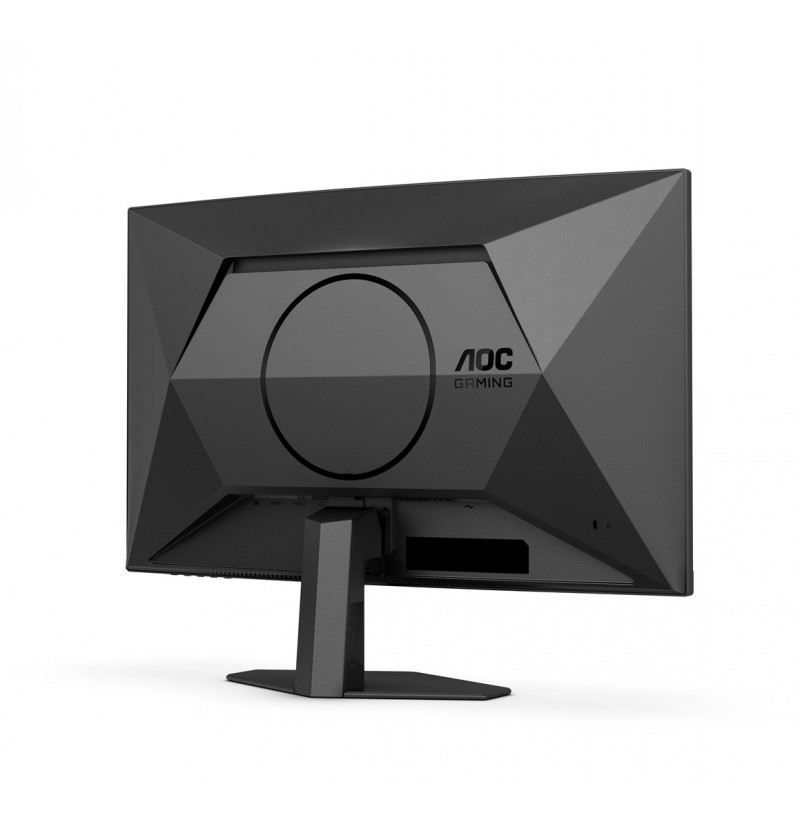
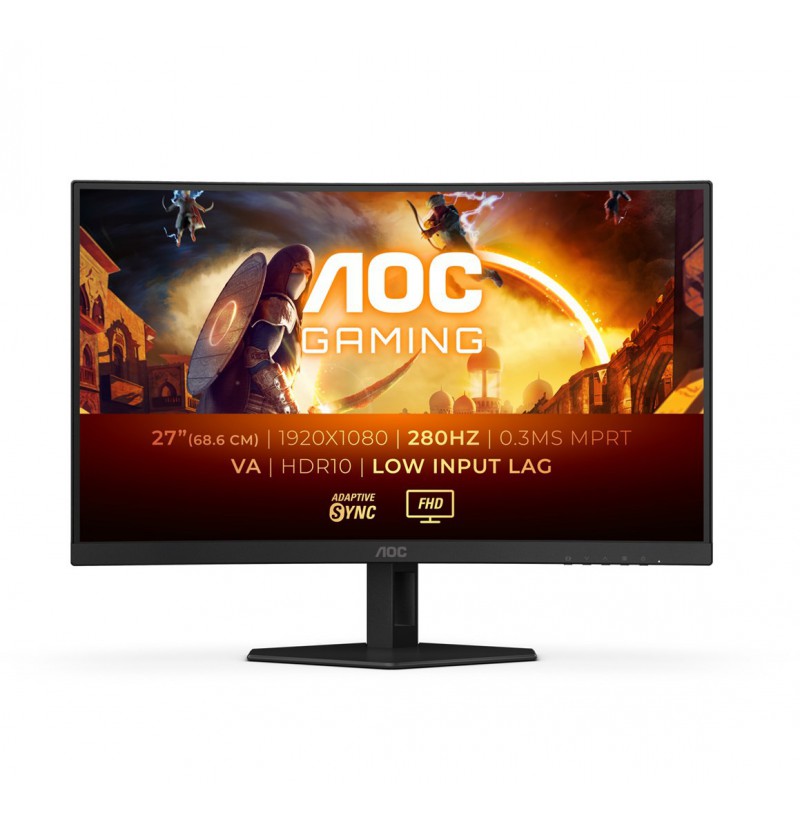
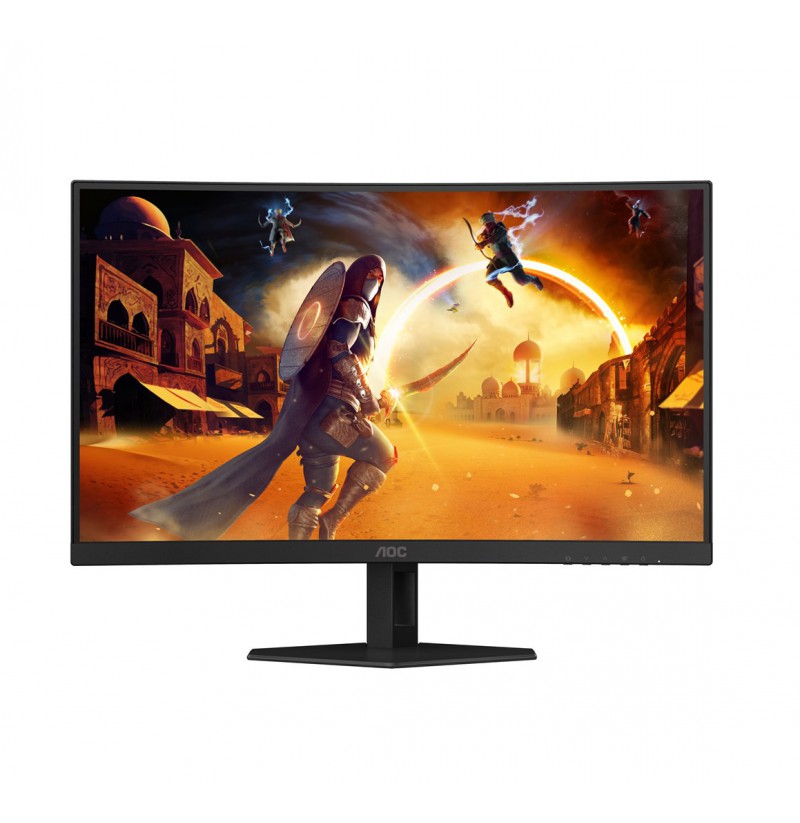
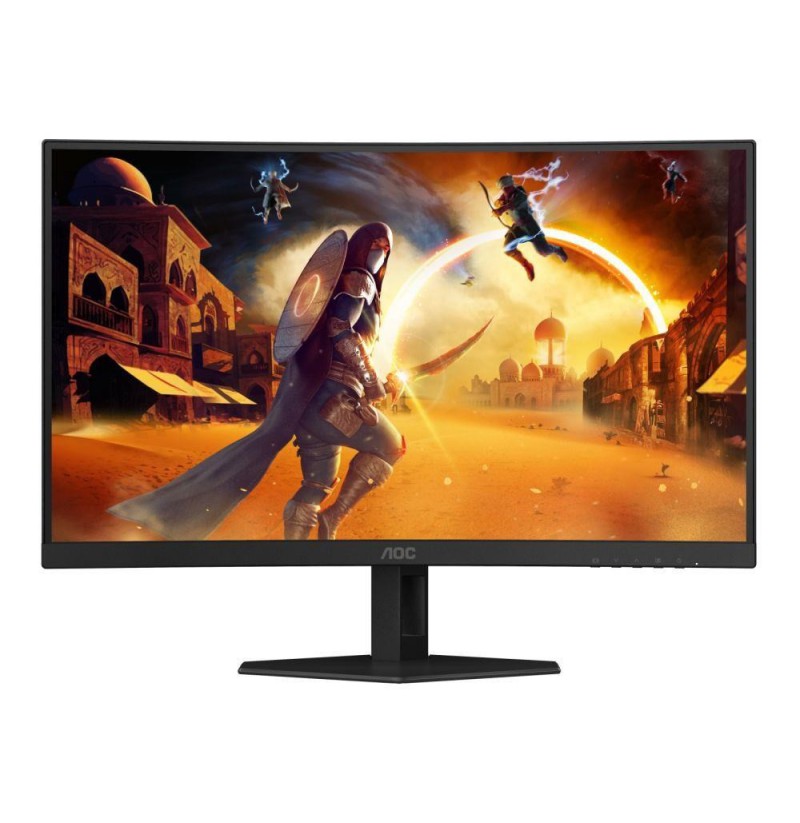
AOC G4 C27G4ZXE computer monitor 68.6 cm (27") 1920 x 1080 pixels Full HD LED Black
179,10 €
C27G4ZXE
4038986182027
pristatymas 9...11 d.d.
Dėmesio: Paskutinė prekė atsargose!
Pasiekiama:
Product colour: Black
Front bezel colour: Black
Detachable stand: Yes
Power consumption (off): 0.3 W
Power consumption (typical): 30 W
Power consumption (standby): 0.5 W
Power supply type: Internal
Depth (with stand): 177 mm
Height (with stand): 457 mm
Width (with stand): 611.5 mm
Weight (without stand): 4.05 kg
Width (without stand): 611.5 mm
Depth (without stand): 78.7 mm
Weight (with stand): 4.97 kg
Height (without stand): 367.6 mm
AMD FreeSync refresh rate range: 48 - 280 Hz
Low Blue Light technology: Yes
Flicker-free technology: Yes
Package weight: 8.26 kg
Package width: 730 mm
Cables included: HDMI, DisplayPort, AC
LED backlight: Yes
Display diagonal: 68.6 cm (27")
Display resolution: 1920 x 1080 pixels
Native aspect ratio: 16:9
Contrast ratio (dynamic): 80000000:1
Screen shape: Curved
Viewing angle, horizontal: 178°
Contrast ratio (typical): 3000:1
Display diagonal (metric): 68.6 cm
Backlight type: W-LED
Viewing angle, vertical: 178°
Panel type: Fast VA
Display number of colours: 16.7 million colours
sRGB coverage (typical): 125.7%
Maximum refresh rate: 180 Hz
Screen curvature rating: 1500R
High Dynamic Range (HDR) technology: High Dynamic Range 10 (HDR10)
DCI-P3 coverage: 92.4%
Anti-glare screen: Yes
Pixel density: 81.59 ppi
High Dynamic Range (HDR) supported: Yes
Response time (MPRT): 0.5 ms
Tilt angle range: -3 - 21°
Cable lock slot: Yes
Cable lock slot type: Kensington
Tilt adjustment: Yes
VESA mounting: Yes
Panel mounting interface: 100 x 100
DisplayPort version: 1.4
DisplayPorts quantity: 1
HDMI ports quantity: 2
HDMI version: 2.0
HDMI: Yes
Headphone out: Yes
Headphone connectivity: 3.5 mm
Dial point: Yes
Bezel thickness type: Frameless
Brand specific technologies: Crosshair
Low input lag: Yes
FPS counter: Yes
Shadow control: Yes
Motion blur reduction: Yes
Warnings: Do not disassemble the monitor casing to avoid risk of electric shock., Do not expose to water or excessive moisture., Avoid direct contact with liquids., Place the monitor on a flat and stable surface to avoid tipping and damage., The monitor contains materials that may be harmful to the environment; follow local regulations for the disposal of electronic devices., Unplug the monitor from the power source before cleaning.