LCD daugiau nei 26 colių
Peržiūrėta

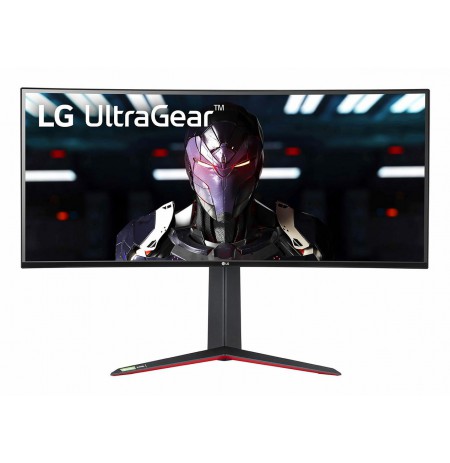
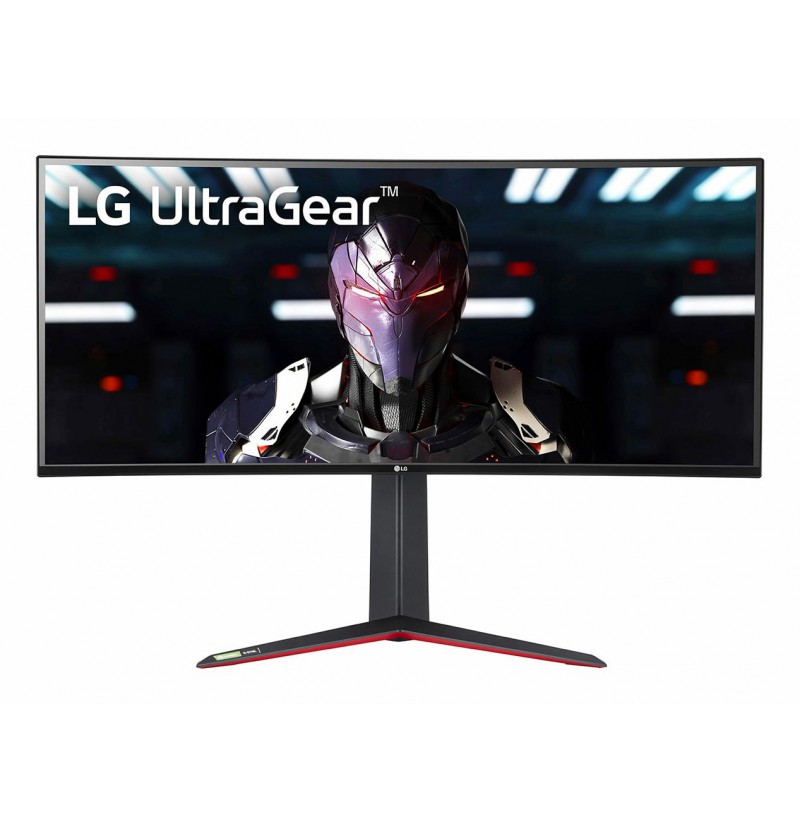
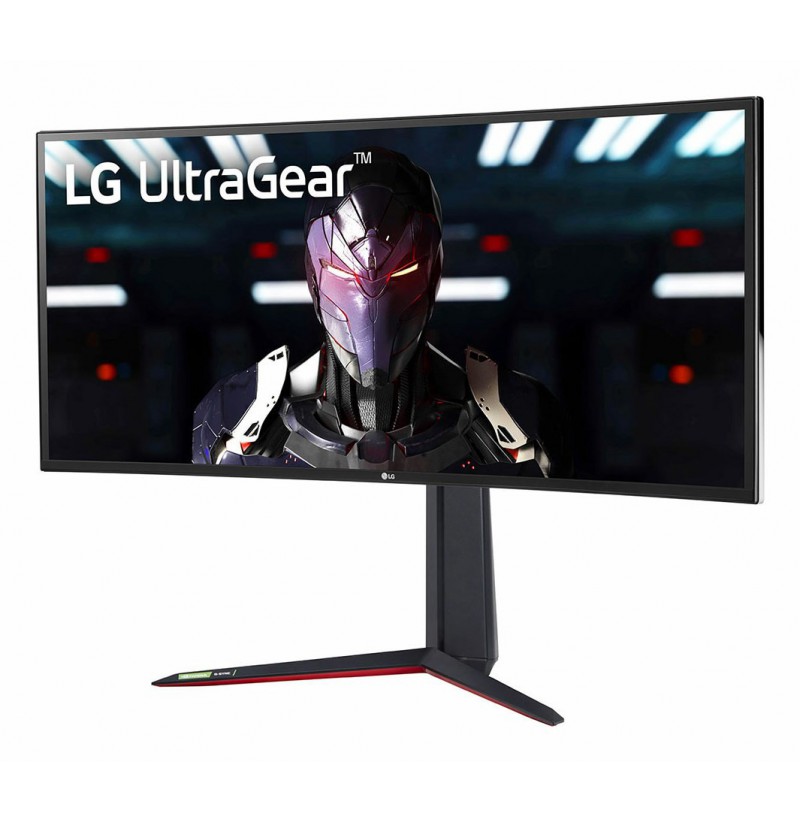
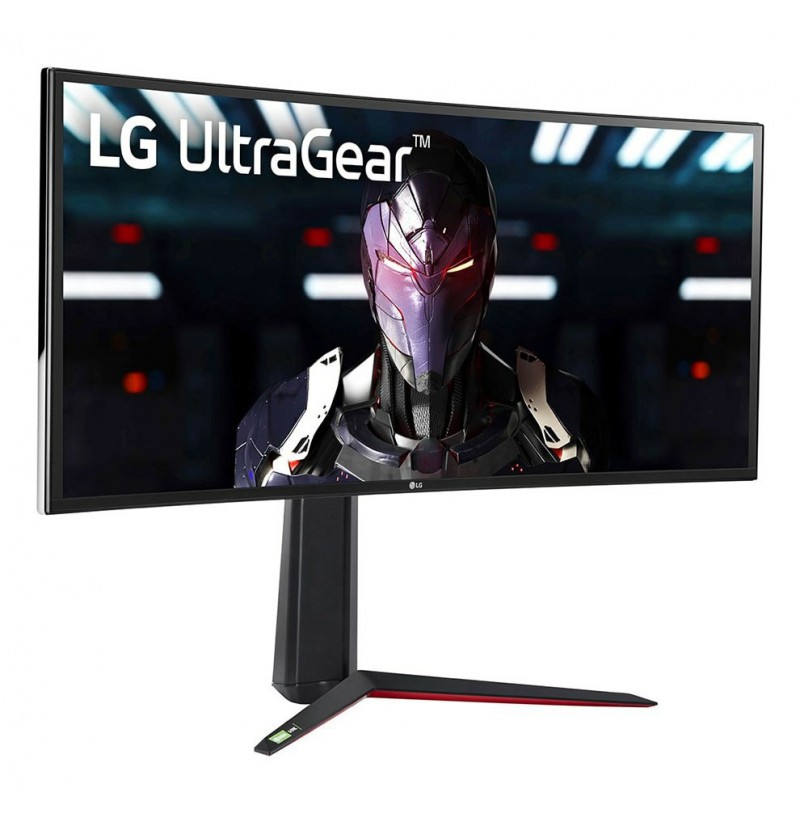
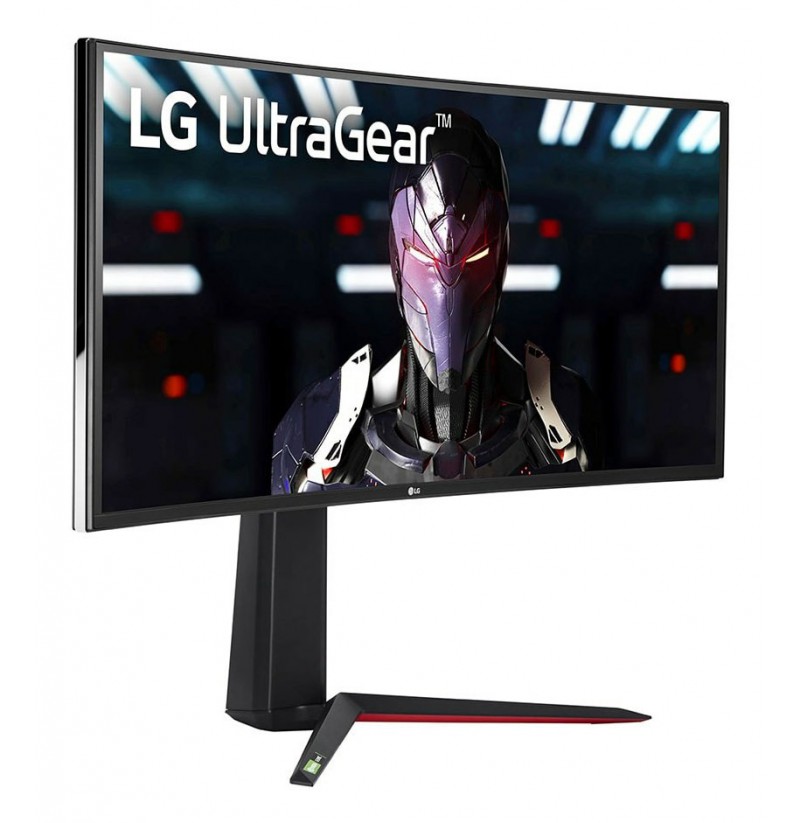
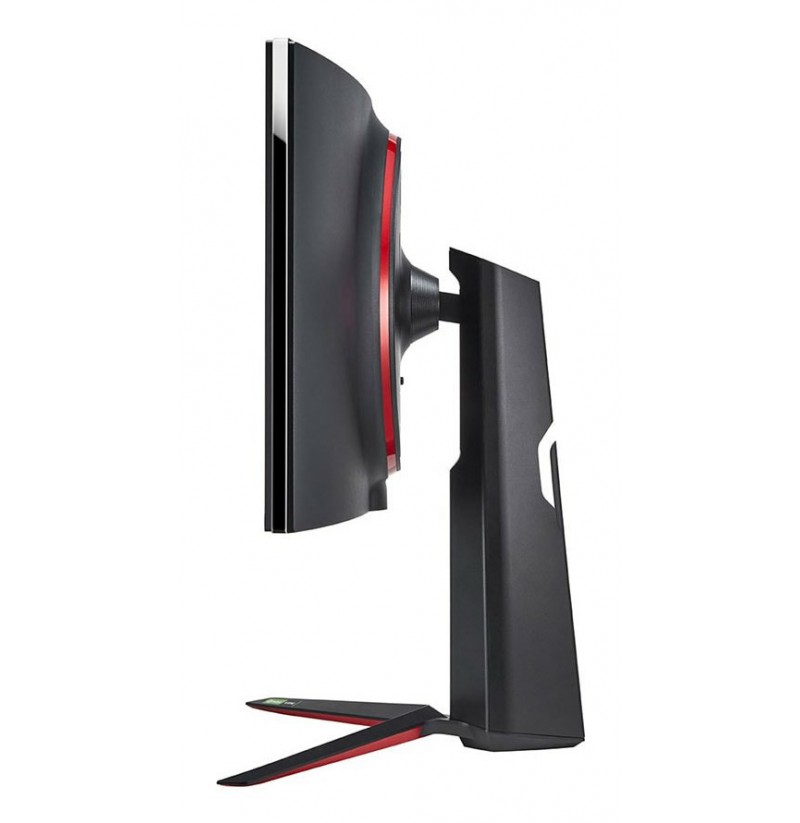
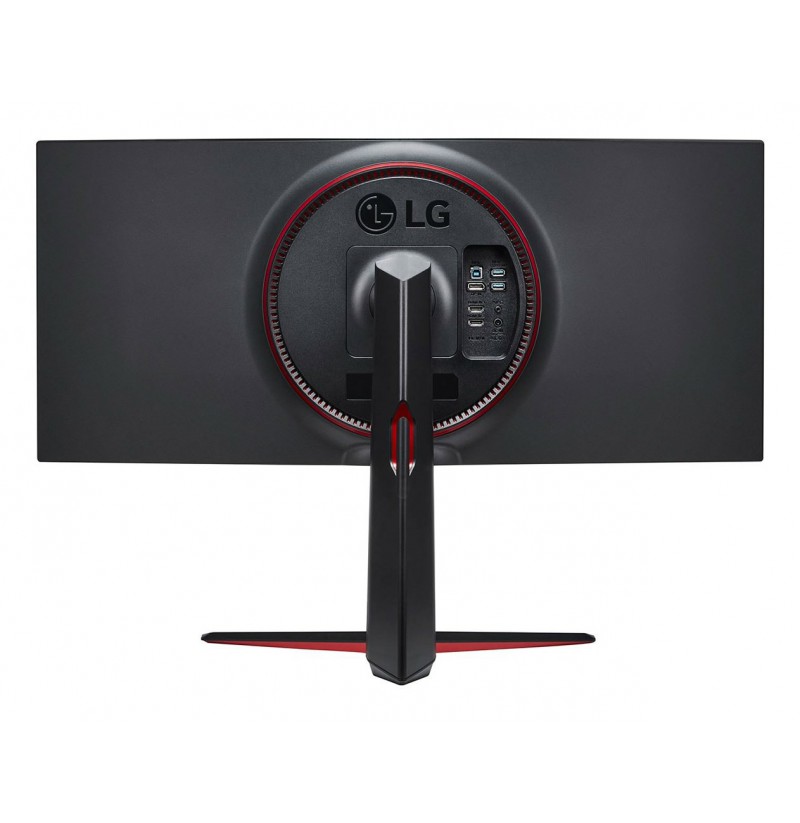
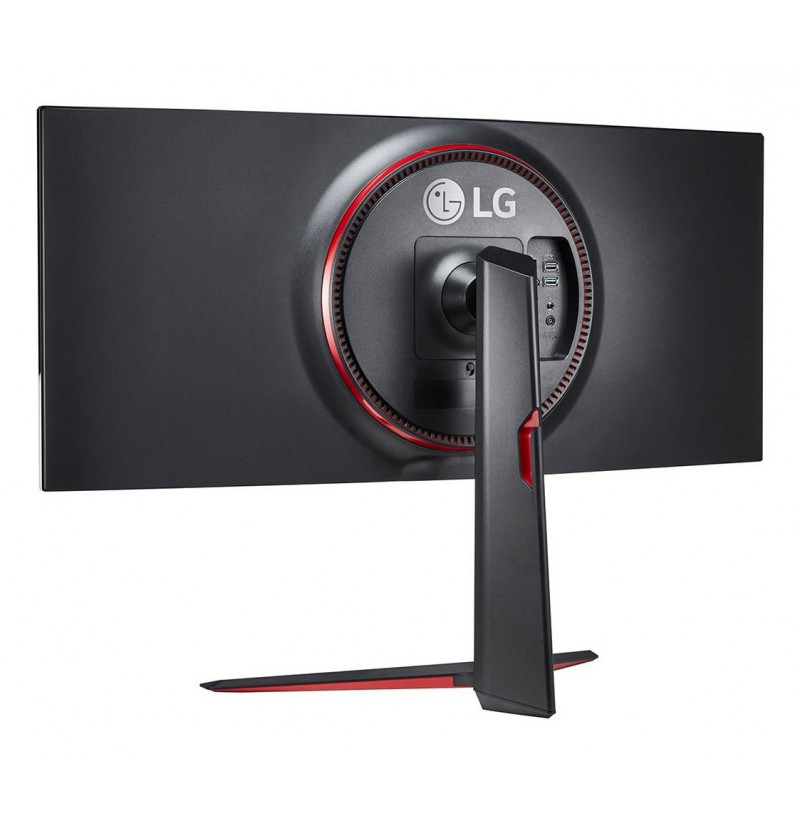
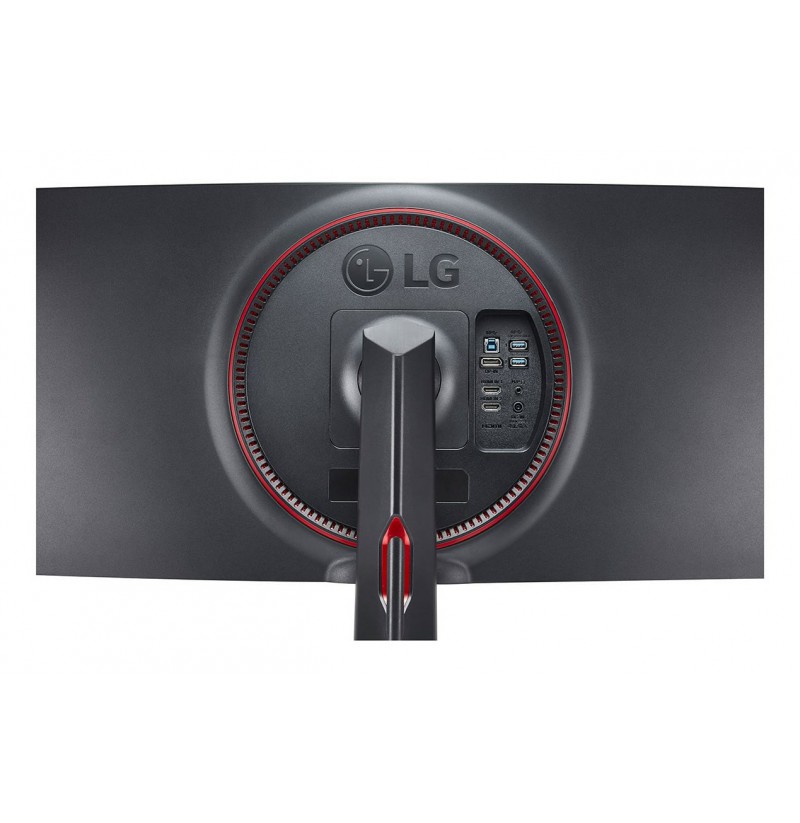
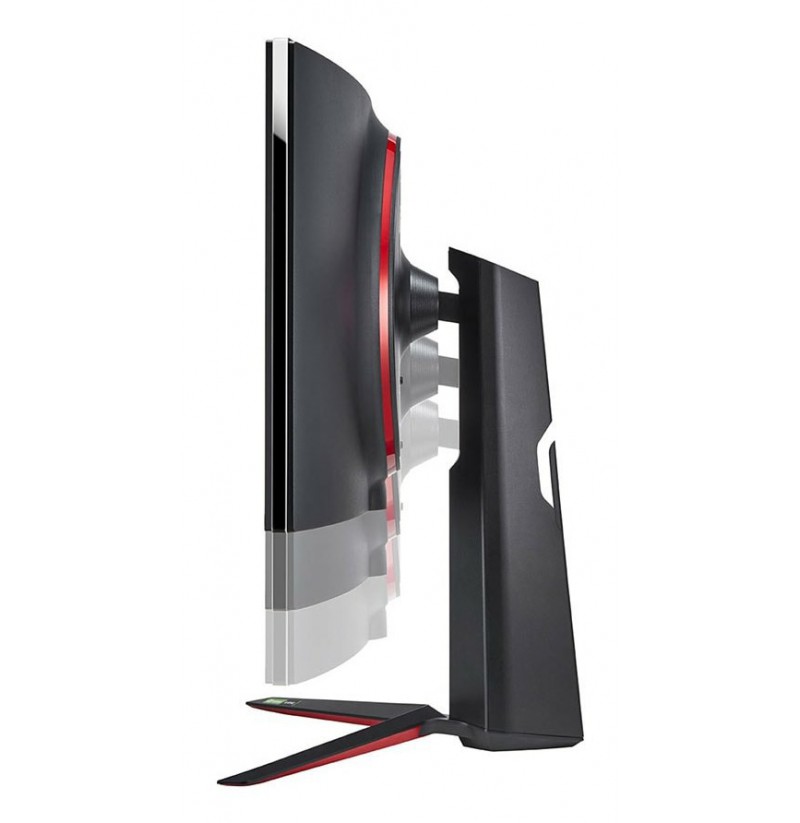

LG LCD 34GN850P 34" black UltraWide
801,77 €
8806091970596
pristatymas 8...10 d.d.
Market positioning: Gaming
Illuminated stand: No
Feet colour: Black
Detachable stand: Yes
Colour name: Black
Refurbished: No
Frameless design: Yes
Product colour: Black
Energy consumption (SDR) per 1000 hours: 32 kWh
Energy efficiency class (SDR): G
Power consumption (typical): 72 W
Energy efficiency class (HDR): G
Power consumption (average): 77 W
European Product Registry for Energy Labelling (EPREL) code: 1364254
Power supply type: External
Power consumption (max): 82 W
Energy consumption (HDR) per 1000 hours: 63 kWh
Power consumption (standby): 0.5 W
Energy efficiency scale: A to G
AC input frequency: 50/60 Hz
AC input voltage: 100 - 240 V
Power consumption (off): 0.3 W
Weight (with stand): 7.6 kg
Width (without stand): 819.2 mm
Depth (without stand): 104.4 mm
Weight (without stand): 5.5 kg
Height (without stand): 361.6 mm
Height (with stand): 574.1 mm
Width (with stand): 819.2 mm
Depth (with stand): 312.2 mm
Wi-Fi Direct: No
Ethernet LAN: No
Wi-Fi: No
Remotely operated: No
Bluetooth: No
Flicker-free technology: Yes
NVIDIA G-SYNC type: G-SYNC Compatible
Game mode: Yes
AMD FreeSync type: FreeSync Premium
AMD FreeSync: Yes
Low Blue Light technology: Yes
VESA Adaptive Sync support: No
Fast charging: No
ConnectShare (USB): Yes
NVIDIA G-SYNC: Yes
Package height: 521 mm
Package depth: 245 mm
Package width: 979 mm
Package weight: 11.5 kg
Package type: Box
Remote control included: No
Stylus included: No
Sun hood included: No
Manual: No
Screws included: No
Cables included: DisplayPort, USB Type-A to USB Type-B, HDMI
Power cable length: 1.5 m
Stand included: Yes
DisplayPort cable length: 1.5 m
Remote control batteries included: No
HDMI cable length: 1.5 m
Power adapter included: Yes
Quick start guide: No
Touchscreen: No
Viewing angle, vertical: 178°
Contrast ratio (typical): 1000:1
Supported video modes: 720p, 1440p, 540p, 360p, 240p, 480p, 1080p
DDC/CI: No
Colour gamut: 98%
Colour gamut standard: DCI-P3
Display technology: LED
Panel type: IPS
Response time measurement type: GTG (Gray to Gray)
Display diagonal (metric): 86.7 cm
Pixel pitch: 0.2325 x 0.2325 mm
Display number of colours: 1.07 billion colours
Screen curvature rating: 1900R
Maximum refresh rate: 160 Hz
Anti-glare screen: Yes
Colour depth: 10 bit
High Dynamic Range (HDR) supported: Yes
High Dynamic Range (HDR) technology: DisplayHDR 400
Display surface: Matt
Native aspect ratio: 21:9
Screen shape: Curved
Supported graphics resolutions: 2560 x 1600 (WQXGA), 1280 x 768 (WXGA), 1360 x 768 (WXGA), 1280 x 1024 (SXGA), 1280 x 720 (HD 720), 1280 x 800 (WXGA), 1440 x 900 (WXGA+), 3440 x 1440
HD type: UltraWide Quad HD
Viewing angle, horizontal: 178°
Aspect ratio: 21:9
Response time: 1 ms
LED backlight: Yes
Display diagonal: 86.4 cm (34")
Display resolution: 3440 x 1440 pixels
Display brightness (typical): 400 cd/m²
Built-in camera: No
Built-in speaker(s): No
Built-in microphone: No
Picture-in-Picture: No
Wall mountable: Yes
Swivelling: No
Plug and Play: Yes
Tilt adjustment: Yes
Height adjustment: Yes
On Screen Display (OSD): Yes
Number of OSD languages: 18
Pivot: No
Adjustable height (max): 11 cm
Panel mounting interface: 100 x 100 mm
VESA mounting: Yes
Cable management: Yes
Cable lock slot: No
PC Audio in: Yes
HDMI ports quantity: 2
Microphone in: No
DVI port: No
Headphone connectivity: 3.5 mm
Audio input: No
USB Type-A downstream ports quantity: 2
Built-in USB hub: Yes
HDMI version: 2.0
USB hub version: 2.0 / 3.2 Gen 1 (3.1 Gen 1)
HDMI: Yes
Audio output: Yes
Number of upstream ports: 1
Built-in KVM switch: No
USB upstream port type: USB Type-B
Headphone out: Yes
Headphone outputs: 1
USB Power Delivery (USB PD): No
USB Touch port: No
USB Type-C DisplayPort Alternate Mode: No
OPS module slot: No
DisplayPort version: 1.4
DisplayPorts quantity: 1
HDCP: No
Contrast enhancer: Yes
Introduction year: 2020
Warranty period: 2 year(s)
Brand specific technologies: Black Equalizer, Crosshair, DAS Mode, Eye Care+
Export Control Classification Number (ECCN): EAR99
Warnings: Do not disassemble the monitor casing to avoid risk of electric shock., Place the monitor on a flat and stable surface to avoid tipping and damage., Unplug the monitor from the power source before cleaning.